Follow the Commons · Every account
Know the moment your issue is raised. Read about it over breakfast.
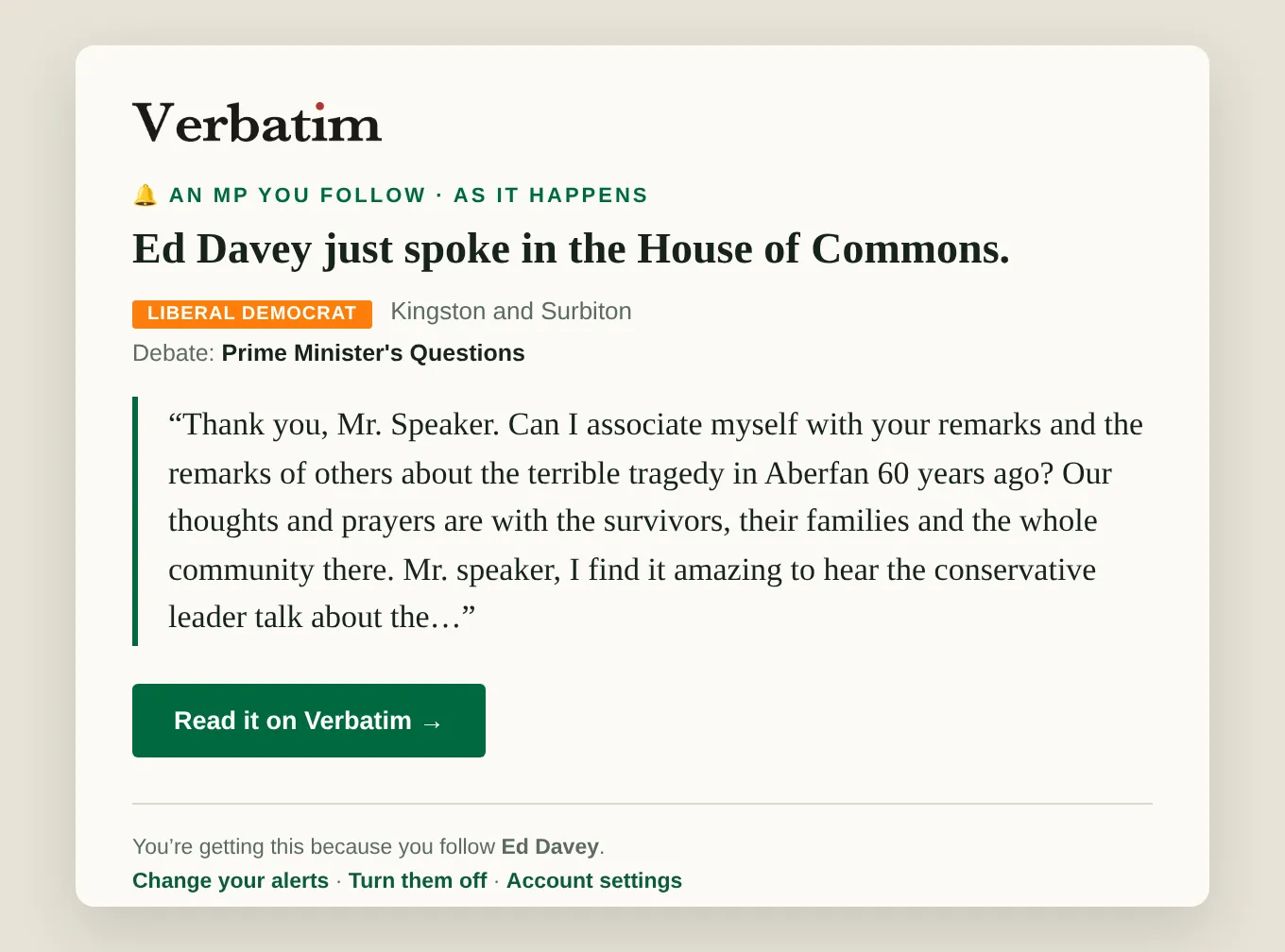
Follow members and subjects and Verbatim tells you when they come up in the Commons: in a round-up at the end of the day, or with Pro the moment they come up. With Pro, alerts also match on meaning, and a written briefing on what you follow arrives every morning and every week.
In the product
01 · Screens from Verbatim
- 01
Everything you follow, in one place
The members and subjects you follow sit beside the live transcript, with + Follow to add another.
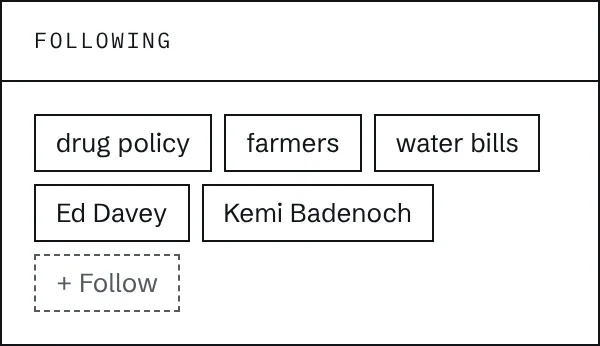
Beside the live transcript. - 02
Marked in the transcript
When a member or subject you follow comes up, the contribution is marked in the live transcript too.
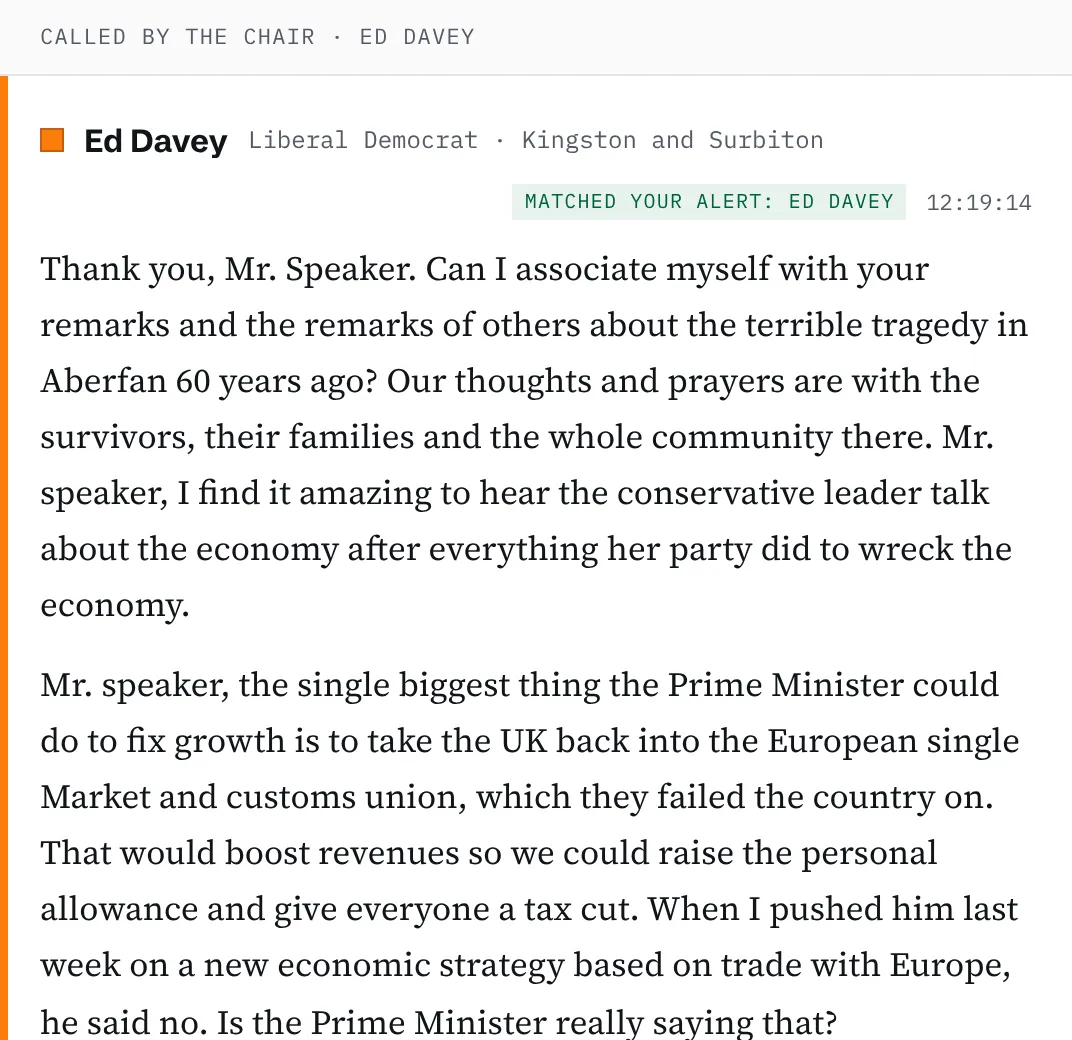
Prime Minister’s Questions, 21 October 2026, 12:24. - 03
Follow a subject from a search
Search for a subject and follow it from the results: you hear whenever it is spoken in the House.

On every search.
How it works
02 · The steps
- 01
Follow what matters
Your MP, a minister, a policy area, a client's sector: 3 on every account, as many as you need with Pro.
- 02
Be told
One round-up at the end of the day, or with Pro an email the moment they come up.
- 03
Read the briefing
With Pro, a personalised daily and weekly briefing in prose, with the quotes that matter and nothing that doesn't.
What you get
03 · In the tool
- Alerts by emailAt the end of the day on every account; as it happens with Pro.
- Alerts by meaningWith Pro, an alert fires when your issue is raised, even if your search term is never said.
- Daily and weekly briefingsWith Pro, a written briefing built around exactly what you follow.
- Slack and Microsoft TeamsWith Team, alerts go to the channels your team already uses.
- Shared watchlistsWith Team, set the watchlist up once and the whole team is covered.
Who uses it
- Public affairs agenciesOne watchlist per client, and nothing slips past while you're in a meeting.
- Campaign groups and charitiesKnow when a minister speaks about your cause, wherever it comes up.
- Constituency and policy staffFollow your member and the subjects on your desk.
Which plans include it
04 · Plans
- Free3 follows, a daily email
- ProUnlimited follows, alerts as it happens and by meaning, daily and weekly briefings
- TeamShared watchlists, Slack and Teams routing
More from Verbatim
05 · Features
 Every accountLive transcriptEvery word in the chamber about ten seconds after it is said, with who said it.
 Every accountSearchEverything said in the Commons since the 2024 election, by keyword or by meaning.
 Every accountWritten questionsEvery written question and answer since the election, and what is still unanswered.
- ProAsk VerbatimAsk a question in plain English and get a written answer, every claim cited.
 ProBriefing StudioA cited briefing on any subject and date range, ready to export to Word.
 ProIssue DashboardWho is driving an issue and where each member stands, in their own words.
 ProDid they answer?Every question to a minister judged against the answer that followed.
 ProCommitment TrackerEvery ministerial commitment, logged with its deadline.